
Move the routine work.
Keep the judgement.
Automation on the Nuclearn platform screens and classifies repeatable work against your own criteria. A result moves on only when its confidence clears the threshold your plant sets. Uncertain cases, and a random quality sample, go to the people who own the decision.
You set when work moves on its own.
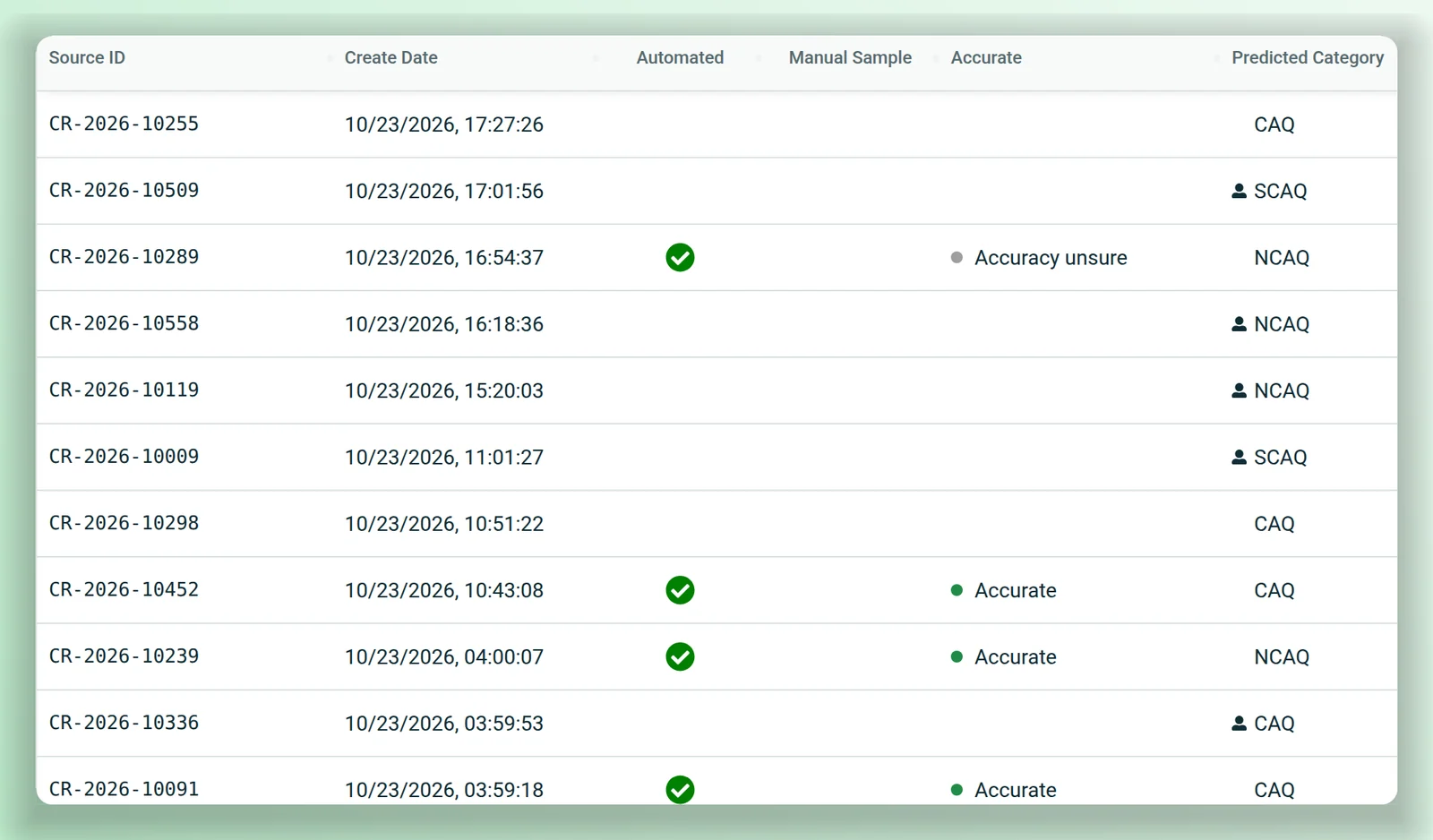
CAP AI screens new condition reports in the background. For each screening model you set the accuracy you need, and the platform works out the confidence threshold from past decisions. A report moves on when its confidence clears the threshold. Below it, or when it's picked for the quality sample, it goes to a screener's queue.
- Each decision is logged with the prediction, its confidence and the time.
- Only people with screening authority record or change a decision.
- Results are written back to your CAP system.
Change the process without a release.
Automation templates are versioned. Administrators promote or archive a configuration, export and import it, and follow how it performs against what screeners decided.
Automation KPIs
By field and over time, against the decisions your screeners recorded.
Called from your systems
A REST endpoint lets another system call a template, with a platform API key.
Scheduled and triggered runs
Administrators run an agent on an interval, a cron schedule or a set date, or let another system start one through the API. Emails wait for approval. AI agents →
Document-by-document checks
After you approve it, a background job reads every part of the chosen documents and writes its findings to a new dataset.
Synced libraries
Nuclearn Connect keeps synced collections in step with your systems. Integrations →
Bring the queue that never empties.
We'll walk through where the threshold sits, what goes to your people, and how you'd check the results.