
Your systems,
connected to the work.
Nuclearn Connect brings documents in from the systems your plant already uses, and the platform's APIs let your own systems call the products. Nothing is migrated: your systems of record stay where they are.
Your systems stay where they are.
Nuclearn Connect runs in your network, reads from your systems of record and syncs the collections you choose. It makes outbound HTTPS connections only, so no inbound firewall ports are opened.
Kept in step
Changes in a source come through on their own, from change logs, file watching or a regular crawl, and deletions go through a safety check before they apply.
You choose who reads it
A synced collection starts private. You decide who can read it on the platform.
Status in view
Administrators see each synced folder with its collection, status, document count and last sync.
SharePoint, Maximo, Aras Innovator, Documentum, FileNet, PI System and Primavera P6 are trademarks of their owners.
What connects, by kind.
Document systems
SharePoint, CMIS repositories, OpenText Documentum and IBM FileNet, through Nuclearn Connect. AtomAssist can also import from SharePoint, FileNet and CMIS.
File shares
The folders your team already relies on, kept current without repeated uploads.
Work and equipment
Maximo documents, through Nuclearn Connect.
Engineering and parts
Aras Innovator documents and their current revisions, through Nuclearn Connect.
Your own systems
Product REST APIs, authenticated with a person's Nuclearn API key, so each call runs as that person. Another system can also start an agent run. CAP AI writes screening results back to your CAP system.
Process data
Your PI Asset Framework hierarchy and sensor data in PI Web API format, sent by a small broker on your side, for Equipment AI.
Schedules
Primavera P6 .xer exports, uploaded, with no connection to your P6 server, for Work AI.
CAP systems
Your CAP system calls CAP AI's screening and record API with a platform API key.
Uploads
PDF, Word, Excel, PowerPoint, CSV, text, HTML and Markdown, straight into a collection or project.
Call the products from your own tools.
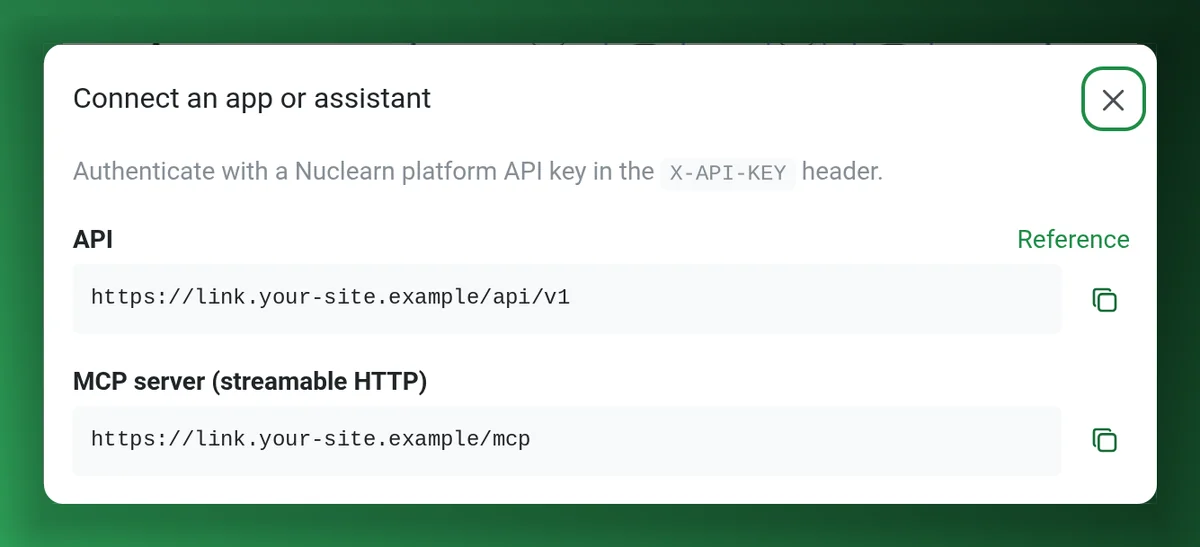
Products expose REST APIs authenticated with a Nuclearn platform API key in the X-API-KEY header. Nuclearn Link for P&IDs also has an MCP server, so AI assistants can query the connected P&IDs.
- CAP AI: call a screening template from another system.
- Link: REST API and MCP server for the connected P&IDs.
- Administrators can also add external MCP servers as tools for your agents, on request.
Products that use it.
Tell us which systems your documents live in.
We'll show you how Nuclearn Connect would sync them, and what your IT team needs to set it up.